
Content note: this page was written by Claude (AI) for Pensacola Locksmith.
Start with the question you are really asking
Owners often frame this as a choice between old and new, but the better question is what problem you need to solve. Are you tired of rekeying every time someone quits? Do you need to know who opened the back door at night? Do you have a single entrance used by three people, or a building with a dozen doors and a rotating crew? The right answer for a quiet office is not the right answer for a busy shop with seasonal staff.
Write down your doors, your people and your pain points before looking at hardware. A list of five lines can be enough: how many doors, how many people need access, how often staff change, whether you need a record of entries, and what happens if the power goes out. With those answers in hand, the comparison becomes concrete rather than a contest of buzzwords.
It also helps to be honest about your tolerance for upkeep. Mechanical systems ask very little of you day to day. Electronic systems ask for occasional attention, such as replacing batteries, updating user lists and keeping software working. Neither is better in the abstract. The better one is the one you will actually maintain.
What mechanical keys do well
Mechanical locks work without power, without networks and without software accounts. A key either turns the cylinder or it does not. When storms knock out electricity during hurricane season, a mechanical lock keeps working exactly as it did before. That reliability is hard to beat, especially for a business that must be able to open its doors in unusual conditions.
They are also simple to understand and cheap to service in terms of effort. A trained technician can rekey a cylinder in minutes, replace a worn one, or add a spare key without any special equipment on your side. There is no learning curve for staff, and no login to forget.
With a restricted keyway and a key log, a mechanical system can offer solid control for a small team. Add a master key arrangement and a manager can open everything with one key. For a business with a handful of employees and stable staffing, this is often all that is needed, and it spares you the recurring responsibilities of an electronic platform.
Where mechanical keys struggle
The core weakness is that a key is a physical object that can be copied, lost or kept. When an employee leaves, you cannot be sure they returned every copy, so the safe response is to rekey the locks. In a business with high turnover, that gets expensive in both time and money. The more doors and people, the worse it gets.
Mechanical systems also leave no record. If something goes missing or a door is found unlocked, there is no log showing who entered. You may suspect, but you cannot confirm. For some businesses that does not matter. For those with inventory, cash or sensitive records, the lack of a trail is a real gap.
Finally, mechanical keys offer no schedule control. You cannot say that a part-time worker may enter only on weekends, or that a contractor's access ends on Friday. You can only hand out a key and trust it to come back. Flexible, time based access is where electronic systems have an advantage.
What electronic access does well
The big gain is control over who can enter and when. An administrator can add a person, remove a person or change their permissions in moments, with no need to collect a key. When an employee leaves, their credential is disabled and the door no longer recognizes it. That is a significant saving on rekeying for a business with changing staff.
Many systems also keep a log of entries, showing which credential opened which door at what time. This helps with accountability and with investigating incidents. Schedules can limit access to working hours, and some systems can lock down doors quickly if needed. For multi-door buildings, central management saves a great deal of effort.
Credentials come in several forms: cards, key fobs, keypad codes, mobile phone credentials and sometimes biometrics. Each has different convenience and risk. A card can be lost, a code can be shared, a phone can run out of battery. A thoughtful setup picks the form that suits the people who will use it, and sometimes offers more than one way in.
- Easy removal of access when someone leaves
- Entry logs and time based schedules
- Central management across several doors
- Multiple credential types to suit different users
Where electronic access can cause trouble
Electronics depend on power. Most systems include a battery or backup so that doors keep working during an outage, but those batteries need replacing, and a neglected one fails at the worst moment. Planning for failure is essential. Ask what happens to each door when power is lost: does it stay locked, unlock, or hold its last state? The answer should match your safety and security needs.
Software and accounts add a layer of ongoing responsibility. Someone needs to manage user lists, apply updates and keep admin passwords safe. If the person who set it up leaves the business and nobody else knows how it works, you can end up locked out of your own system. Keeping documentation and a second administrator is wise.
Environment matters too. Salt air and humidity affect electronic readers and keypads on exterior doors, particularly near the water. Weather rated hardware and good installation help, but you should expect to inspect them periodically. In a coastal climate, a mechanical backup key override on important doors is a sensible safeguard.
Life safety and code considerations
Doors that people use to leave a building in an emergency must remain easy to exit. Whatever lock you choose, a person inside must be able to get out quickly without a special key or knowledge. Exit hardware and the rules around it are set by building and fire codes, and a locksmith can help you choose hardware that respects them. This applies to both mechanical and electronic systems.
Electronic locks add a second consideration: what happens when power or the network fails. Some designs are built so the door unlocks when power drops, others so the door stays locked. The right choice depends on the door and the use. Doors on an exit path generally need to open easily from inside regardless of the power state.
Because the details depend on your building, the type of business and local rules, a technician visit is the right way to settle them. The service call charge is explained before dispatch, and the locksmith will confirm you own the business or have authority to change the hardware before any work begins.
Cost and effort over time
It is tempting to compare only the purchase side, but the real comparison covers years of use. Mechanical systems usually cost less to start and little to maintain, but each staff change or lost key carries a rekeying cost. Electronic systems cost more up front and need some recurring attention, but they can reduce the cost of staff turnover and give you control that mechanical keys cannot.
A useful way to think about it is to count how often people change. A stable team of three with one door rarely justifies electronics. A business with many part-time staff, rotating contractors or several doors may find electronics pay off through reduced rekeying and better oversight.
Quotes for simple work are given by phone. For a larger project, such as a multi-door system, a technician visit lets the work be scoped properly. Ask for the full picture, including what each option requires from you, rather than only the hardware part.
Hybrid setups that use both
You do not have to choose one world. Many small businesses use electronic access on the main entrance, where traffic is highest and records matter, and mechanical keys on storage rooms, offices or back doors. This keeps the cost sensible and puts the flexibility where it gives the most benefit.
Another common pattern is to keep a mechanical key override on electronic locks. If the batteries die or the reader fails, a physical key opens the door. The override key should be kept by a small number of trusted people and stored carefully, since it bypasses the electronic controls.
A hybrid also lets you start small. Begin with electronic access on one door, learn how your team uses it, and expand later if it proves useful. That staged approach reduces risk and spreads cost, and it lets you adjust your plan with real experience rather than guesses.
A walk through three sample businesses
Picture a small professional office with four employees, one front door and a back door that is rarely used. Staff rarely change, the owner knows everyone, and nothing of unusual value is stored on site. Mechanical keys with a restricted keyway and a short key log would serve this office well. The cost is low, the system works through any outage, and the only real duty is remembering to collect keys when someone leaves.
Now picture a retail shop with a dozen part-time employees, many of them seasonal around the tourist months along the beaches. People come and go often, and opening and closing duties rotate. Here, rekeying after every departure becomes a recurring headache. Electronic access on the staff entrance, with individual codes or cards, lets the owner remove someone in a moment. The main customer door can stay mechanical, since the owner and a few managers handle it.
Finally, consider a small warehouse or workshop with several doors, delivery contractors and tools worth protecting. The owner wants to know who entered and when, wants to limit contractor access to certain days, and wants one way to shut off a lost credential. A multi-door electronic system makes sense here, with mechanical overrides on key doors in case of power trouble.
Most real businesses sit somewhere between these examples. The point is that the right answer follows from staffing, value and how much oversight you need, not from a general preference for old or new technology.
What a locksmith visit looks like
For a simple change, such as rekeying a few cylinders or swapping a worn lock, a phone conversation may be enough to give a quote. You describe the door, the lock type and what you need, and the locksmith tells you what the work involves. For anything bigger, a technician visit is the better path, since a lot depends on things you can only see in person.
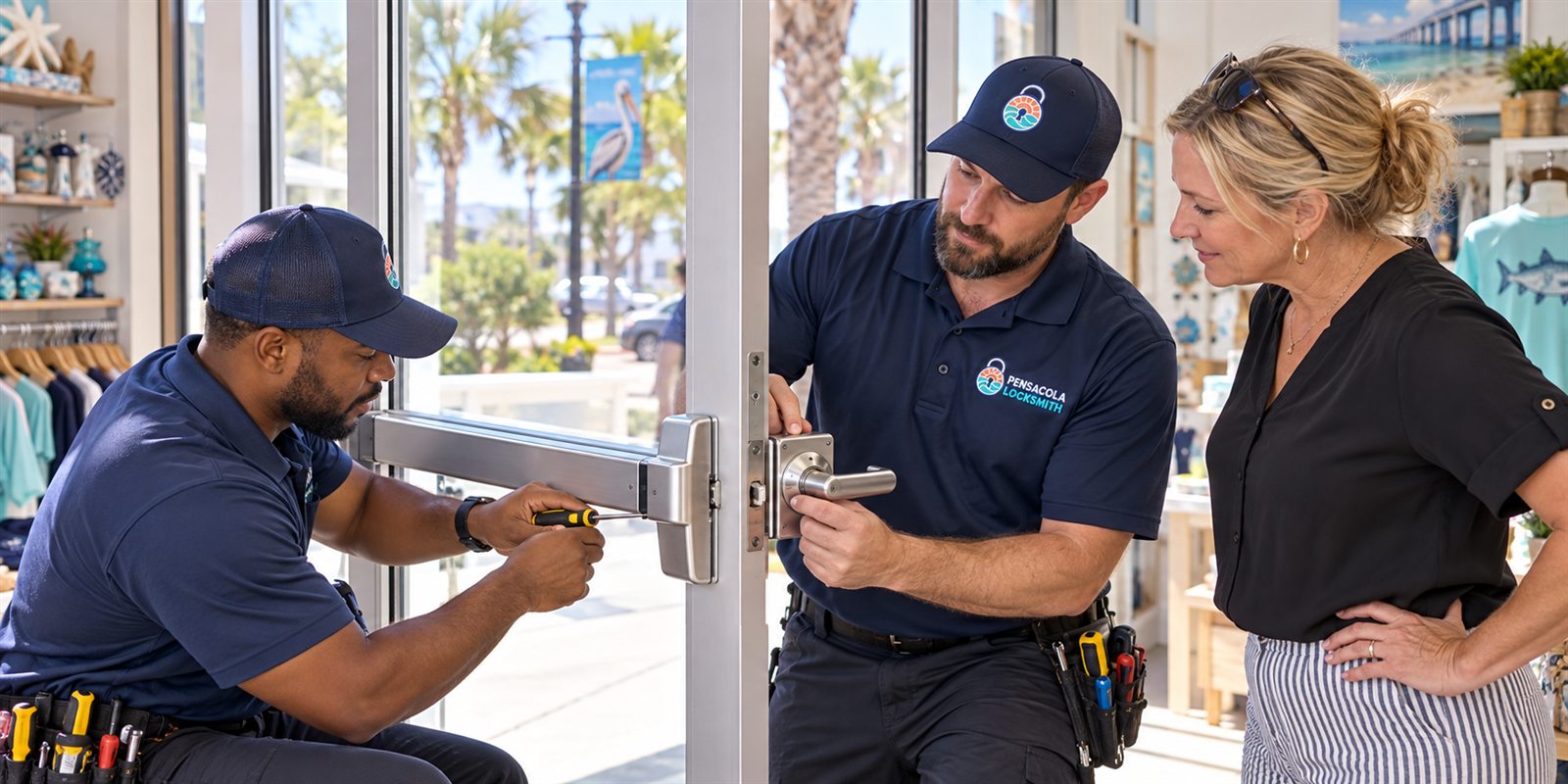
At the visit, the technician looks at the doors, frames, existing hardware and wiring, if any. They check the thickness and material of the door, whether the frame is sound, and where a reader or keypad could be mounted. They ask how many people need access, what hours they work and what you want recorded. They also check the exits, because safe emergency egress comes first.
Before any lock is changed, the locksmith confirms that you own the business or are authorized to make changes, which may mean showing identification and something that ties you to the address, such as a lease or utility bill. The service call charge is explained before dispatch so the visit itself comes with no surprises.
Afterward you receive a plain description of the options, the tradeoffs and what each would involve from your side. Take your time. A good locksmith does not pressure you to choose on the spot, and will explain what to do about key records and administration so the system stays under control after the technician leaves.
Habits that keep either system healthy
Whatever you choose, a few habits do most of the work. Keep a written list of everyone with access and review it every few months. Remove names promptly when someone leaves. Store spare keys, override keys and administrator details in a secure place, and make sure a second trusted person knows where they are in case you are unavailable.
Schedule small checks into the calendar. For mechanical locks, that means noticing keys that drag and cylinders that feel gritty, which are early signs of salt and humidity damage. For electronic locks, it means testing the backup, replacing batteries on a schedule instead of waiting for a warning, and confirming that readers still respond reliably after storms.
Finally, treat the front door as part of a larger picture. Lighting, a solid frame, long screws in the strike plate and a door that closes squarely on its own all affect security as much as the lock itself. A locksmith can look at those details during any visit and suggest low cost improvements that make either kind of system work better.
None of this needs to be complicated. A short routine, done consistently, keeps the people who should have access in and everyone else out, and it keeps the business from being surprised by a problem that could have been seen coming.
Questions to ask before deciding
Ask how the system behaves in an outage, how credentials are added and removed, who administers it, and what happens if the main administrator leaves. Ask how long components are supported and whether replacements will be available. Ask what the exterior hardware is rated for in humid, salty conditions.
Ask also about the mechanical side. Which cylinder will you use, and is the keyway restricted? How will spare keys be controlled? Who keeps the master or override key? Good answers to these questions matter whether you go electronic or stay mechanical.
When you are ready, call us and describe your doors and your team. We can talk through the options, give a phone quote for straightforward changes, and arrange a visit for anything more involved. Please call to confirm availability for the day you want the work done.
Common questions
Will an electronic lock work during a power outage?
Most are built with battery backup or a mechanical key override, but behavior varies by model. Ask how the door behaves when power drops and test the backup. Batteries need regular replacement, and a mechanical override on key doors adds a useful safety net during storm season.
Is electronic access always more secure than keys?
Not always. It gives better control over who enters and when, plus records, but credentials can still be lost or shared, and systems need upkeep. Mechanical locks with good key control can be very secure. The better option depends on your staff, doors and habits.
Can I add electronic access to just one door?
Yes. Many businesses start with the main entrance and expand later. A technician can check whether your door and frame suit the hardware, and the locksmith confirms your authority over the premises before installing anything.
Do I still need a mechanical key if I go electronic?
Often yes, as a backup. A key override lets you open the door if batteries fail or the reader stops responding. Keep override keys limited and secure, since they bypass the electronic controls.
How do I get a price for a business access project?
Simple changes can be quoted by phone. For multi-door systems, a technician visits first so the work is scoped correctly, and the service call charge is explained before dispatch. Call us to describe the building and confirm availability.