Content note: this page was written by Claude (AI) for Pensacola Locksmith.
The plain keyed lock: simple and proven
A traditional pin tumbler deadbolt has been the default for generations. It needs no power, no software and no network. The key turns the cylinder, the bolt throws, and the door is locked. Because there is so little to go wrong electronically, a good keyed lock can serve for many years with minimal attention. Its simplicity is its strength.
The weaknesses are about keys. Keys are lost, copied, left under mats and handed to people who later move on. Rekeying handles the copy problem but takes a visit. A keyed lock also gives no record of who entered and when, and it cannot give a temporary access to a guest without handing over a physical key that must be returned.
On the other hand, a keyed lock works during a power outage, a dead phone, a dropped network and a hurricane. For a home where reliability under stress matters most, or where nobody wants to manage batteries and accounts, the plain key remains a sensible choice. Quality varies widely among keyed locks, so grade and installation matter more than the label.
Keypad locks: a code instead of a key
A keypad lock replaces or supplements the key with a numeric code entered on buttons or a touchscreen. Many models still include a key cylinder as a backup. The appeal is obvious: there is no key to lose, and the code can be shared with family, a cleaner or a dog walker and changed when needed. For many households, that convenience is substantial.
Weak points include code management and battery life. Codes can be watched, guessed or shared too widely. Buttons that show wear can hint at the digits used. Batteries run down, and when they do, the lock may stop responding unless a backup key or an external power contact is available. Check that your model offers a clear low battery warning and a manual override.
Keypad locks that are not connected to a network are simpler and less exposed to online risks. They also tend to be cheaper to run, since they do not need a hub or an account. For a rental or a vacation home near the beach, a keypad lets you change the code between guests without rekeying. That is a practical benefit, though you should still keep track of who knows the current code.
Smart locks: control from a phone
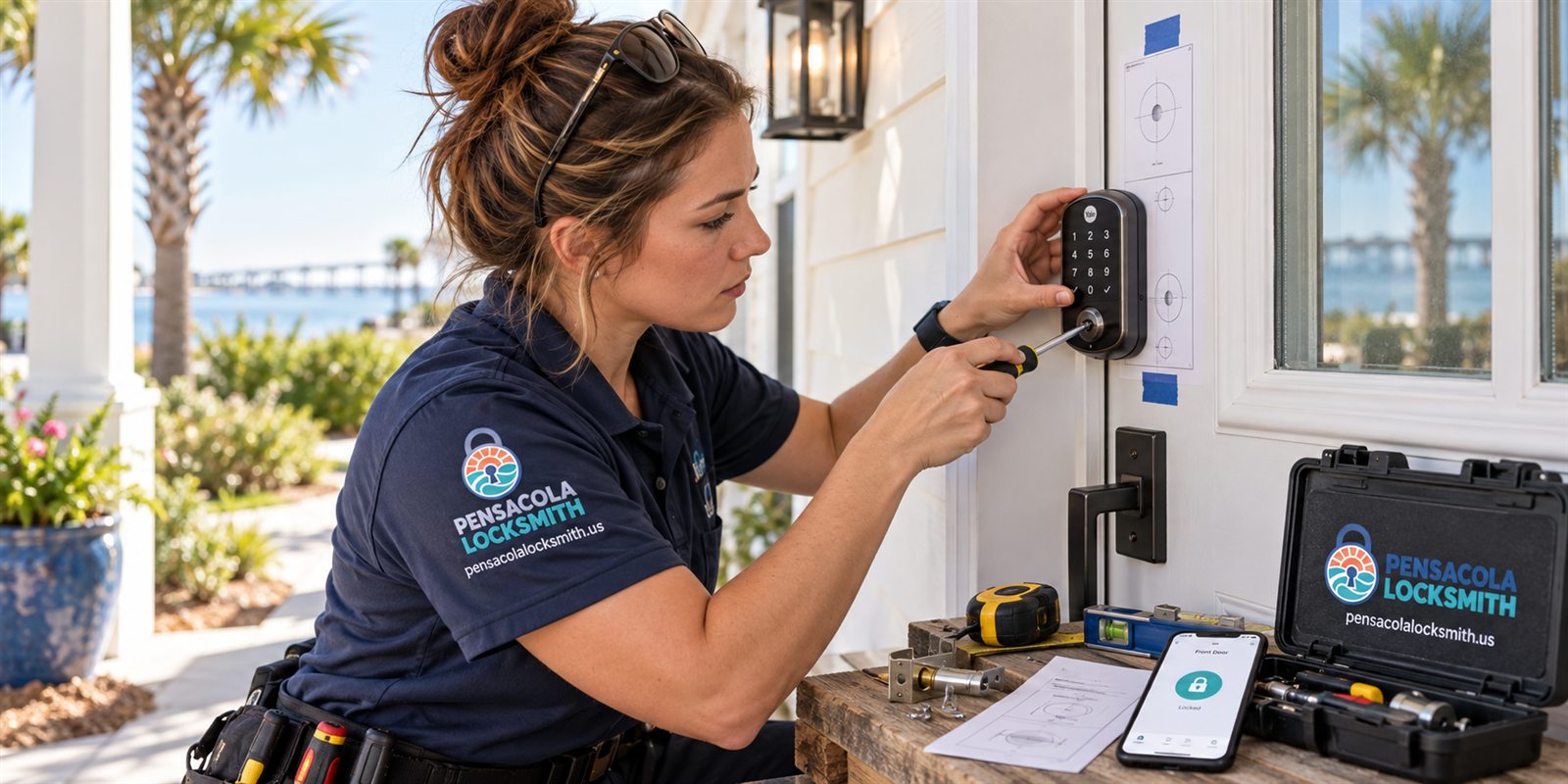
A smart lock connects to a phone, a hub or a home network. It can lock and unlock through an app, sense when you approach, send notifications, create temporary codes and keep a log of use. Some work with voice assistants and other home devices. For people who like to monitor and manage access remotely, the features are appealing.
More features mean more points of failure. Apps need updates. Accounts need passwords. Wireless connections drop. Batteries drain faster when a lock is constantly communicating. If the company that makes your lock changes its service, discontinues an app or fails, your lock's smart functions may be affected. Think about how long you want the features to work, and what happens if they do not.
Security depends on both the physical lock and the software. A smart lock built around a flimsy bolt is still a flimsy lock. Look for a sturdy bolt and a solid mounting, then evaluate the app and the account protections. Use a strong unique password and enable any extra verification offered. A smart lock that is also a good lock is a better purchase than one that is only clever.
Power, batteries and what happens in an outage
Every electronic lock depends on batteries, and batteries are the most common cause of problems. A lock that is working fine one week can fail the next if no one notices a warning. Set a recurring reminder to replace batteries on a schedule, and use good quality ones. Do not wait for the final warning, and keep spares in the house, not in the car or garage that the lock secures.
Hurricane season makes this planning more important. Power outages can last days, home networks go down, and phone service can be spotty. A battery powered keypad still works during an outage, though an app based lock that depends on a hub or the internet may lose some features. Know how your lock behaves when connectivity drops, and whether a key or a code still works locally.
Always keep a mechanical backup. Many electronic locks include a key cylinder, and you should keep a key in a safe place away from the door. Some models offer a terminal for a temporary battery. Test the backup occasionally, because a backup you have never used is a backup you cannot trust. A technician can show you where it is and how it works.
Security: how each type can be attacked
Every lock can be attacked, and each type has different vulnerabilities. Keyed locks can be picked, bumped or forced, though quality cylinders resist these methods better. Keypad locks can be defeated by guessing or observing codes, and cheaply made ones may be forced mechanically. Smart locks add the possibility of software flaws, stolen phones and compromised accounts.
In practice, most break-ins do not involve clever attacks. They involve kicking doors, prying frames, and using unlocked doors and windows. The strike plate, the frame and the screws matter as much as the lock type. A lock that is excellent on paper but mounted into a weak frame offers only limited protection. Reinforcing the door often gives more benefit than changing the lock mechanism.
Think about which risks apply to you. If you often lose keys, a keypad or smart lock removes that risk. If you share access with many people, one that logs entries or allows temporary codes helps. If you fear remote hacking, a simple keyed or offline keypad lock avoids that. Match the lock to your real concerns instead of buying the longest feature list.
Ease of use for different households
Think about everyone who uses the door. Children can use a keypad without a key, which helps with after school arrival, but they can also learn the code. Older relatives may find an app confusing and prefer buttons or a key. Guests, cleaners and delivery people may need temporary access, which smart locks handle well. Pets, by contrast, do not care, but dog walkers might.
Mobility and dexterity matter. Small keys and small keypads are hard for some hands. Lever handles and large buttons help. Touchscreens can be difficult with wet or gloved hands, and bright sunlight can make them hard to read. Test the interface in real conditions, not only on the showroom shelf, and ask whether a key remains available for those who prefer it.
Consider the daily rhythm. A lock that auto-locks behind you prevents forgetting to secure the door, but it can also lock you out while taking out the trash. A lock that unlocks by proximity is convenient, but can be unreliable if the phone battery dies. Try to imagine a normal week, a busy morning and a stressful evening, and ask which option makes each easier.
- Families with children: keypad or smart lock, with a high latch if toddlers reach the pad
- Households that share access: smart lock with temporary codes
- People who dislike apps and batteries: a quality keyed lock
- Vacation or rental homes: keypad with changeable codes
Installation, door fit and what a locksmith checks
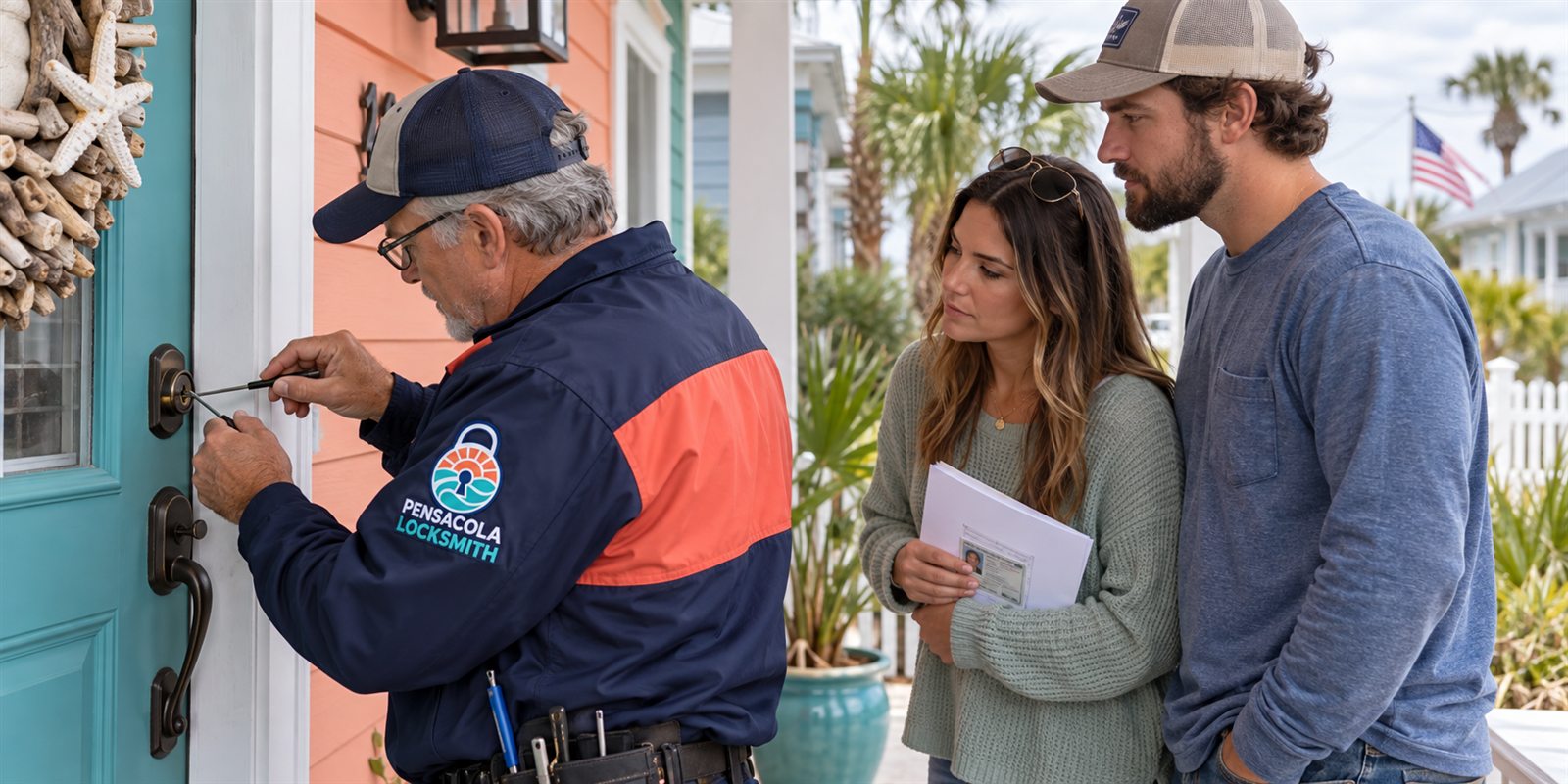
Not every lock fits every door. Electronic locks are bulkier than plain deadbolts and need space for batteries and a keypad or a motor. The door's thickness, the bore hole size and the backset all affect which models fit. A technician measures these before recommending a model, and may need to adjust the door or the strike for smooth operation.
Alignment is critical. An electronic lock's motor can fail to throw the bolt if the door has dropped slightly or if the strike plate is out of line. Humidity and salt air on the Gulf Coast can cause doors to swell and shift, and a misaligned bolt strains the motor and drains batteries. Proper installation includes checking the door's fit and making small adjustments.
Wiring is rarely required, but a few models use a low voltage connection. Most are battery powered and install with ordinary tools. Even so, a professional install ensures the lock sits square, the bolt moves freely and the strike is solid. The locksmith will also confirm that you own the home or have authority before changing the hardware, since this changes who can enter.
Rentals, short stays and business doors
For landlords and hosts, keypad and smart locks can simplify turnover. A new code for each guest replaces a key exchange, and old codes can be removed after a stay. This is helpful for vacation rentals near the beach, where guests arrive at different hours and traveling with keys is awkward. Keep a log of codes issued, and delete them when stays end.
Businesses use electronic locks for staff access, schedules and audit trails. Some systems let you grant or revoke access for individuals without rekeying. For small offices, a keypad on the back door or a smart lock on the front can be practical. For larger or more critical sites, dedicated access control systems are a different category and need a specialist assessment.
In all these cases, plan for failure. Have a mechanical key available, a plan for dead batteries and a way to reach a technician. Document who has what access. When staff or tenants leave, revoke their access promptly. A tidy record keeps your property controlled, and it is much easier to maintain when you build it from the start.
A practical way to choose
List your priorities in order: reliability, convenience, sharing, monitoring, appearance, upkeep. If reliability and low maintenance top the list, a good keyed deadbolt is hard to beat. If convenience and shared access top it, a keypad lock fits. If monitoring and remote control matter most, a smart lock is the option, provided you accept the upkeep.
Consider combining. Many homes use a keypad or smart lock on the main door and a plain deadbolt on the back door. Some use a smart lock for convenience while keeping a physical key for backup. Mixed setups let you get the benefits where they matter without depending on technology everywhere. There is no rule that every door must match.
Whatever you choose, treat the door as a system: the frame, the strike, the hinges and the habits matter as much as the lock. We are glad to talk through your options by phone. Quotes are given by phone, and if the job is complicated, a technician visits and the service call charge is explained before dispatch. Call to confirm availability.
Privacy, accounts and what you hand over
A connected lock collects information: when the door opens, which code was used, which phone connected. That record can be useful for knowing when children arrive home, and uncomfortable if shared with the wrong people. Read what the maker stores, where it is stored and how long it is kept. If the policy is unclear, treat that as a reason to be careful.
Account security deserves real attention. Use a strong, unique password and turn on any second step verification the app offers. Do not share a login among family members when the app allows separate user profiles. When a family member moves out or a phone is lost, remove that user right away. A lost phone logged into a lock app is a lost key.
Offline keypads avoid most privacy questions because they do not talk to anyone. If that appeals to you, it is a perfectly good reason to skip the smart features. The right level of connection is the one you will actually manage with care. A feature that is never configured properly provides less protection than a simple lock that is used well every day.
Finally, think about resale and moves. When you sell a home or end a lease, the electronic lock needs to be reset to factory settings, user accounts cleared and codes removed. Leaving the old accounts attached is a security gap for you and for the next occupant. Note the reset procedure when you install the lock, and keep the paperwork.
Humidity, salt air and the life of electronic locks
Electronics and moisture do not get along. On the Gulf Coast, humidity, rain and salt air can reach the lock through the keyway, the battery cover and the seams around the keypad. Quality models are sealed against weather, but seals age. A lock on a covered porch lasts longer than one on a door facing driving rain or salt spray from the bay.
Look for weather rated models and for finishes made to resist corrosion. Check the battery compartment now and then for moisture or white crust, which signals leaking batteries or corrosion. Replace batteries before they fail, and wipe the keypad gently with a soft cloth. Do not spray cleaners directly on the lock, since liquid can seep inside.
Mechanical parts matter too. The bolt, the latch and the strike still move through the same weather as any other lock. A little suitable lubricant at the right times keeps them moving. If the lock starts to feel slow, the motor is working harder and the batteries drain sooner. Slow operation is an early warning to have the door and the lock inspected.
If the door itself swells in summer and shrinks in winter, the lock's alignment changes through the year. A technician can adjust the strike or plane the edge so the bolt slides in cleanly in all seasons. That small adjustment extends the life of the lock and prevents frustrating mid-summer failures when the door seems to lock one day and not the next.
Common questions
Which type is most secure?
No single type wins in every case. A quality keyed deadbolt, a solid keypad lock and a well built smart lock can all be secure if mounted in a strong frame. Weak frames and loose strike plates are the more common failure. Match the lock to your real risks.
What happens when the batteries die?
Most electronic locks give a low battery warning first. Many have a key cylinder or an external power terminal as backup. Replace batteries on a schedule, keep spares inside the house, and test the backup method so you know it works.
Do smart locks work during a hurricane power outage?
Battery powered locks continue to work locally, but features that depend on the internet, a hub or your phone service may not. Know how your model behaves offline, and keep a physical key somewhere safe and reachable.
Can a keypad lock be installed on any door?
Most standard doors can take one, but thickness, bore size and backset must fit. Some doors need small adjustments. A technician measures first, and checks that you own the property or have authority before changing the hardware.
Should I replace a working deadbolt with a smart lock?
Only if the features solve a real problem for you. A good keyed deadbolt works reliably with no upkeep. If you often lose keys or share access, a keypad or smart lock may be worth it. Call us and we can talk it through.