
Content note: this page was written by Claude (AI) for Pensacola Locksmith.
What a smart lock actually is
A smart lock is a lock with an electronic layer added to the mechanical bolt. The bolt itself is usually the same kind of steel deadbolt you would find in a conventional lock, but a small motor throws it instead of a key turning a cylinder. The electronics decide when to run the motor, based on a code, a fingerprint, a phone signal, a card or a key fob.
That arrangement means the strength of a smart lock depends on two things: the mechanical parts and the electronic parts. A weak bolt, a thin strike plate or a poor door can undermine even a well-designed system. Likewise, a strong mechanical lock can be let down by sloppy software, weak batteries or a poorly secured wireless connection. Judge both halves.
Smart locks come in several shapes. Some replace only the interior thumb turn and keep your existing exterior cylinder and key, which keeps your current keys working. Others replace the entire deadbolt with a new keypad or touchscreen on the outside. Some are retrofit units that attach over your existing hardware. Knowing which kind you want narrows the search quickly.
Ways to unlock: code, app, fingerprint, card and key
A keypad lets you enter a numeric code. It is simple, requires no phone and works for guests, though codes can be shoulder-surfed, so choose longer codes and change them from time to time. Many keypads let you create temporary codes for a visitor, a cleaner or a contractor, which can be deleted later. That is one of the main practical benefits of this style.
Phone-based locks use a Bluetooth or Wi-Fi connection to open when your phone is near, or when you tap an app. This is convenient but depends on your phone being charged and working, and on the app being kept up to date. Fingerprint models read your finger and are fast, but readers can struggle with wet, dirty or worn fingers, which is relevant for people who work with their hands or spend time near the water.
Some locks accept a card or a fob, which suits businesses and rentals where many people need access. Nearly all models keep a physical key backup, though a few do not, and that is worth checking. Think about which methods you really need. More ways to unlock mean more things that can go wrong, so choose a combination that covers daily use and a fallback for a failure.
- Keypad code for family, guests and service visits
- Phone app for remote control and activity history
- Fingerprint for fast personal entry
- Card or fob for businesses and shared properties
- Physical key as a backup if electronics fail
Power: batteries, backup and what happens in an outage
Most smart locks run on batteries, usually standard alkaline cells inside the interior housing. Battery life varies with how often you use the lock and with the features turned on. Wi-Fi connected models tend to drain faster than ones that use Bluetooth or a low-power hub. Most locks give a low battery warning, but you should still check the status now and then and keep spares.
Ask what happens if the batteries die completely. Good designs have a way to wake the lock with a temporary power source, often a nine-volt battery touched to contacts on the outside, or a physical key slot hidden behind a cover. Without these, a dead battery can leave you locked out, and the fix may involve removing the lock. Make sure you understand the emergency plan before you buy.
Think about power outages too. During hurricane season, the grid can go down for days. A battery-powered lock keeps working, but a Wi-Fi hub or router that powers remote access may not. Features that rely on the internet will stop, while codes and keys continue to work locally. Choose a model whose basic functions do not depend on a constant online connection.
Connectivity: Bluetooth, Wi-Fi and hubs
Bluetooth locks talk to your phone over short range. They are efficient with power and do not need your home network, but you can only control them when you are near unless a bridge is added. They suit people who mainly want hands-off entry and do not need to check the door from the office.
Wi-Fi locks connect to your home network and let you control them from anywhere. This is handy for letting someone in while you are away, checking whether you locked up, and receiving notifications. The tradeoff is higher battery use and more exposure to network problems. If your internet goes down, remote features go with it.
Some locks use a separate low-power protocol and a hub, which can be efficient and flexible but adds another device to manage. If you plan to link the lock with other smart home equipment, check compatibility first. Whatever you pick, secure your home network with a strong password, keep software updated, and use unique credentials for the lock account. A convenient lock is not worth a careless setup.
Will it fit your door
Before buying, check the door. Measure the thickness, the diameter of the existing hole, the backset, and the position of the edge bore. Most doors in the United States follow standard sizes, but older and custom doors may not. A lock that does not fit forces you to alter the door, which may not be wise for a historic or valuable door.
Consider the door's condition. Doors that stick, drag or have misaligned latches can strain a motorized bolt. Because the motor is small, it cannot push through the friction that a human hand can overcome with a bit of force. In humid climates, a swollen door can make a perfectly good smart lock appear faulty. Fix the door alignment first, and the lock will work better.
Also consider the frame and strike plate. A smart lock does not make a weak frame strong. Reinforce the strike plate and use long screws just as you would for any deadbolt. If you have a storm door, a security door or a glass panel nearby, check clearances. A technician can measure and advise. Call us before buying if you are unsure about fit, and we can discuss options by phone.
Security: what to look for and what to question
A smart lock should be at least as secure mechanically as a good conventional deadbolt. Look for a hardened bolt, a solid body and a rating that matches your needs. Be cautious with products that focus on features and say little about hardware. If the manufacturer is vague about the mechanical build, ask more questions.
On the electronic side, look for encrypted communication, regular software updates and a clear way to review who entered and when. Check how the system handles lost phones: can you revoke access quickly? Check how codes are stored and whether the lock locks out repeated wrong attempts. These are practical points that tell you whether the designers thought about real-world misuse.
No lock is unbreakable, and electronic locks add new ways to fail as well as new conveniences. For many households, the biggest security risks are simple: an unlocked door, a code shared too widely, or a phone left unlocked. A smart lock that makes it easier to lock up and to track access may improve your practical security, as long as you use it properly.
Who a smart lock suits best
Smart locks shine for households with many comings and goings. Families with children who lose keys, people who share a home with housemates, and owners who have regular visitors such as cleaners or caregivers can all benefit. Giving each person a unique code means you can see who came in and remove access without changing locks.
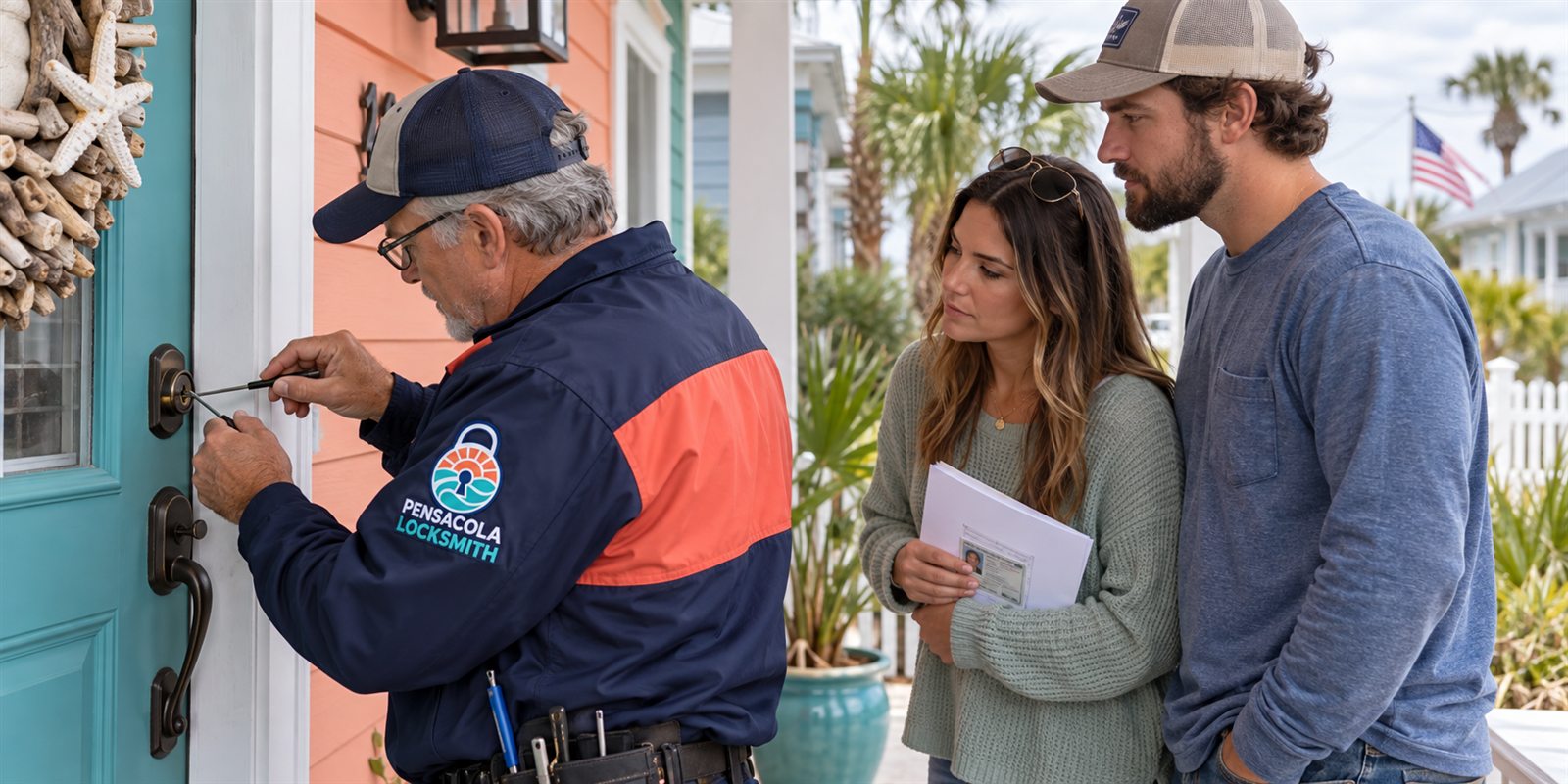
They also suit short-term rentals and vacation homes, which are common around the Gulf Coast. A host can create a code for each guest, set it to expire at checkout, and avoid handing out physical keys that may not come back. The same idea works for property managers coordinating contractors and inspections. Remember that ownership and authority are confirmed before a locksmith installs or reprograms anything.
They are less ideal for someone who dislikes technology, who has a door that frequently sticks, or who needs absolute independence from batteries and networks. Some people prefer a conventional deadbolt with a quality key for its simplicity. There is nothing wrong with that. The right lock is the one that fits your habits, your door and your tolerance for maintenance.
Coastal conditions: humidity, salt and storms
Electronics and salt air do not mix easily. Moisture can creep into keypads, readers and battery compartments, and corrosion on contacts can cause intermittent faults. If your door faces the weather, look for models designed with sealed housings and weather-resistant finishes. Consider shading the lock with an overhang or a storm door.
Clean the keypad gently with a damp cloth when salt builds up, and avoid harsh solvents that damage coatings. Check the battery compartment periodically for moisture or corrosion. Replace batteries with fresh ones of the same type, and do not mix old and new. If the lock begins behaving strangely after heavy rain, dry it and test again before assuming it has failed.
Storm preparation matters. Before a hurricane, make sure batteries are fresh and that you know how to use the mechanical key. If power or internet is out for an extended time, remote features may be unavailable. If you evacuate, think about who needs access to the home afterward, and how you will share or revoke codes safely. Keep a plan that does not rely on a single device.
Sharing access without losing track of it
The strongest argument for a smart lock is controlled sharing, but it only works if you manage it. Give each person their own code or credential instead of one shared code. That way you can tell who came in, and you can remove a single person without disturbing anyone else. Write down who has what, and review the list every few months, much as you would check which people hold physical keys.
Think about timing. Many systems let you limit a code to certain days or hours. A cleaner who comes on Tuesday mornings does not need access at midnight on Saturday. A contractor finishing a job can be given a code that expires when the work is done. These controls are one of the real advantages over a hidden key, which anyone can copy without telling you.
Also plan for the people who do not use phones. Older relatives, young children and visitors may prefer a simple keypad or a key. Make sure there is a straightforward way for them to enter, and that they know how. A lock that excludes the people you want to include is a failure, however clever its features. Test the experience with the least technical person in your life.
Common problems and how they are fixed
Most smart lock complaints fall into a few categories. The bolt moves slowly or stalls, which usually points to door alignment or low batteries. The lock loses connection to the phone, which may be a range issue or an app that needs updating. The keypad stops responding, which can be moisture, dirt or a failed battery contact. Many of these are quick to resolve once you identify the cause.
Alignment is the quiet culprit. Doors shift with temperature and humidity, and a strike plate that was perfectly placed in dry weather may bind in a wet season. If you have to lift the door or push it to lock, the motor works harder and drains the battery faster. A technician can adjust the strike, tighten the hinges or plane the edge so that the bolt slides freely.
If the lock fails completely, stay calm and use the backup method: the physical key, the external battery contacts or the manufacturer's recovery process. Do not force the door or pry at the lock. Call us if you cannot get in, and describe the model. A technician checks ownership or authority first, and then decides whether to open, repair or replace the lock without needless damage.
Installation, setup and maintenance
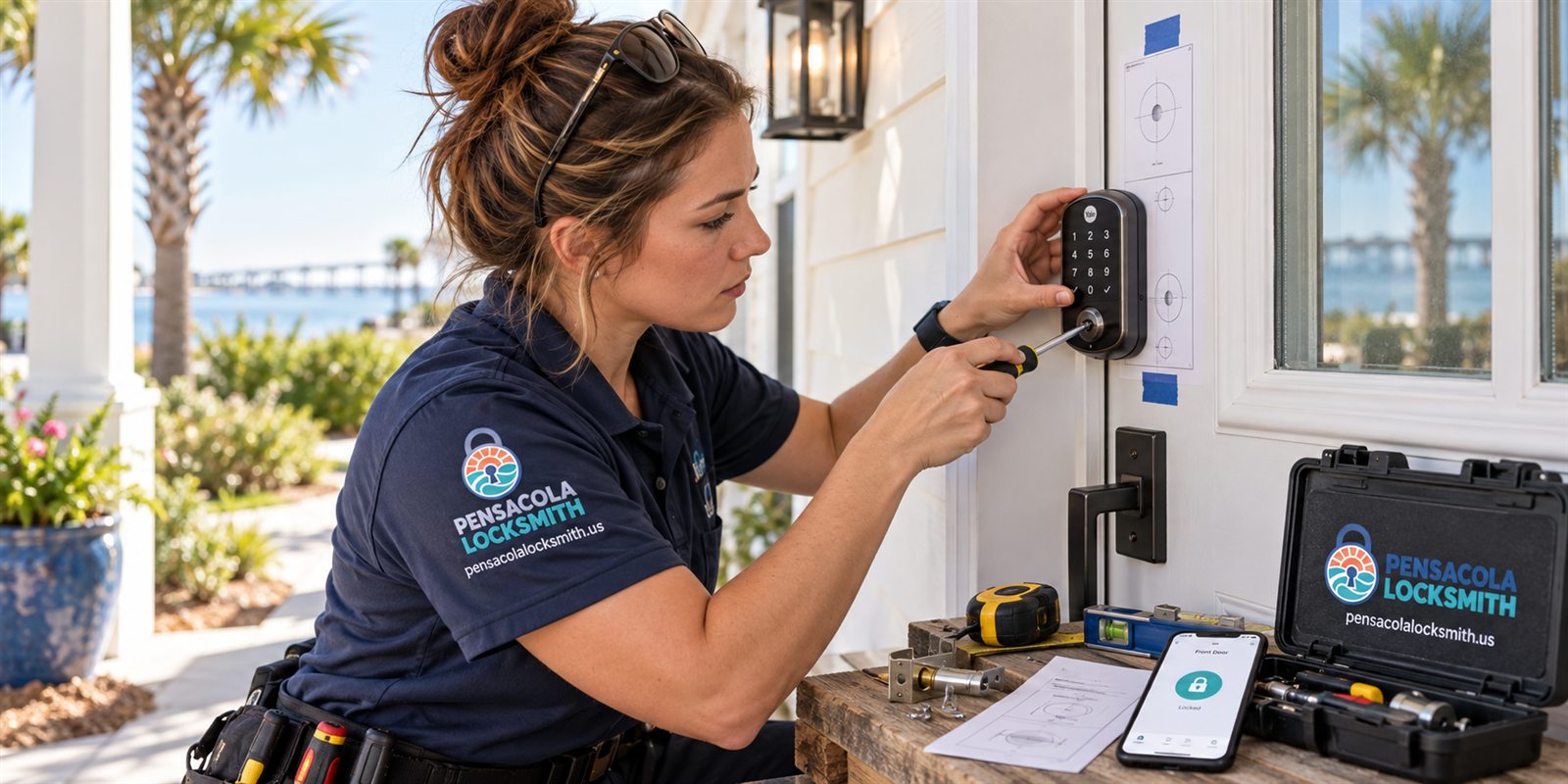
Installation of a smart lock combines hardware work with software setup. The mechanical part is similar to a standard deadbolt, but the electronic part includes pairing with a phone, setting codes and testing every method of entry. A professional installer can check the door, mount the lock, calibrate the bolt and teach you how to use the system. They can also set up backup entry methods.
After installation, set up a routine. Choose strong codes that are not birthdays or repeated digits. Record who has access and review the list periodically. Keep the manual and any recovery information in a safe place. Change codes after a service visit, a guest stay or a change in household. Test the key backup so you know it works.
Maintenance is light but real. Replace batteries on a schedule, wipe the keypad, check the screws and test the bolt alignment now and then. Update the software when new versions are offered. If the lock starts to stall, check the door for rubbing first. Call us for help with installation, rekeying or troubleshooting. We confirm availability by phone, and a technician can visit for more complicated jobs.
Common questions
Do smart locks work if the power goes out?
Battery-powered smart locks keep working through a power outage, but features that need your Wi-Fi or hub, such as remote control, may stop until service returns. Codes and the physical key backup continue to work locally. Check that your model has a way to wake or unlock the lock if the batteries run out.
Can I keep using my old keys with a smart lock?
It depends on the model. Retrofit units that replace only the inside thumb turn keep your existing exterior cylinder and keys. Full replacement keypad deadbolts come with new keys. Some designs have no key at all. Check this before you buy so you know what backup you will have.
Are smart locks safe from hackers?
No lock is unbreakable. Look for encrypted communication, regular updates and a way to revoke access, and secure your home network with strong passwords. Also keep the mechanical build in mind, because a strong bolt and frame matter just as much as the electronics.
Is a smart lock a good idea for a rental or vacation home?
Often yes. Hosts can create a unique code for each guest, set it to expire and avoid handing out keys. The lock should still have a physical backup and fresh batteries. A locksmith confirms ownership or authority before installing or reprogramming locks on a property.
How do I find out whether a smart lock fits my door?
Measure the door thickness, the hole diameter and the backset, and note any glass, storm door or alignment problems nearby. Call us and describe the door. Quotes are given by phone. If the job is complicated, a technician visits and the service call charge is explained before dispatch.