
Content note: this page was written by Claude (AI) for Pensacola Locksmith.
What a dead battery really means for the lock
A smart lock with dead batteries is not broken. It is simply asleep. The bolt stays in whatever position it was in when power ran out. If the door was locked when the batteries died, it is still locked. If it was unlocked, it remains unlocked, which is a security concern of a different kind.
The electronics have no power, so the keypad, the touch surface and the wireless link are all silent. The motor that moves the bolt cannot turn. But the bolt itself and the mechanical parts are intact, and in most designs there is another way to move the bolt that does not depend on the motor.
Understanding this takes the panic out of the moment. You do not have to force the door or break anything. The lock was designed with a fallback, because the designers knew batteries run out. Your job is to find the fallback and use it calmly, without damaging a perfectly good lock.
Look for the warning signs next time
Most smart locks warn you before the batteries die. The keypad may blink a color, the lock may beep several times when you use it, or the app may send a low-battery message. Many people ignore these warnings for a week or two, then find themselves at the door with nothing working.
Other signs are subtler. The motor may sound slower or weaker. The bolt may stop partway. The keypad may need several presses. In warm weather, the lock may work in the morning and fail by afternoon. These are all hints that the cells are nearly spent and should be replaced now.
Treat the first warning as a task, not a suggestion. Keep a fresh set of batteries in a drawer near the door, and change them when the warning appears. Some owners choose a fixed schedule, such as twice a year, and change them whether or not a warning has appeared. That habit avoids nearly every battery lockout.
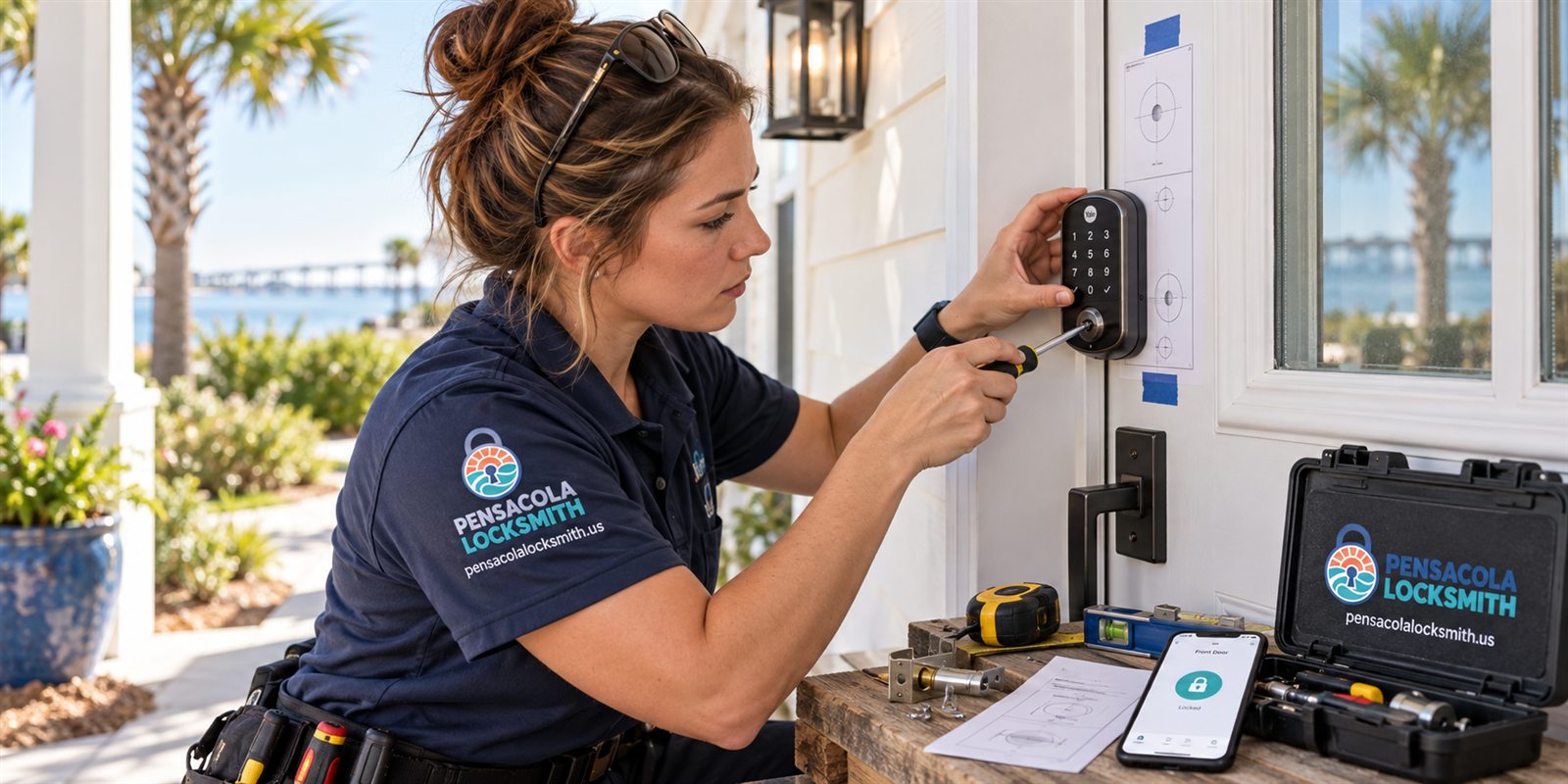
Emergency access: the external battery terminal
Many smart locks include two metal contacts on the outside of the housing, often at the bottom of the keypad. These are not for decoration. By touching a fresh nine-volt battery to them, you supply just enough power to wake the lock, enter your code and move the bolt one more time.
The method is simple. Hold the battery's two terminals against the contacts, keeping them in place, and then use the keypad or touch surface as normal. The lock draws power from the battery, and you can unlock the door. Once inside, change the main batteries right away so the lock is working again.
This feature is easy to forget about because most people never use it. Check whether your lock has these contacts, and keep a nine-volt battery somewhere reachable. A glove box or a bag works, though not one locked inside the house. Test the method once on a calm day so it feels familiar when it matters.
Emergency access: the hidden key
Other designs keep a traditional keyway, sometimes hidden behind a cover or a sliding panel. The key turns the same cylinder that the motor would, and moves the bolt directly. If your lock has one, the backup is as old as locks themselves, and does not depend on batteries at all.
The challenge is finding the key. Many people never take the cover off, and some lose the keys that came with the lock. Check now whether you have the key, whether it fits, and whether the cylinder turns smoothly. A cylinder that has never been used can be stiff or a little dirty and benefit from cleaning.
Keep a copy of the key in a safe place away from the door. A trusted friend, a family member or a small secured key holder works. Do not leave it inside the house, and avoid obvious hiding places. If you need a copy cut, we check ownership or authority before making or programming keys.
What if there is no backup at all
Some designs rely entirely on electronics, with no key and no external contacts. These are less common on exterior doors, but they exist. If you have one and the batteries die, access becomes harder. The lock may be designed so that it unlocks when power fails, but not all are, and that depends on the model.
In that case, a technician may need to open the door through other means. Options include working with the bolt through the gap, removing the lock body, or in the worst case drilling. A skilled technician tries the least destructive route first, aiming to leave the lock and door intact.
If you are shopping for a smart lock or replacing one, ask about the backup. A lock with a mechanical override and an external power point offers more peace of mind. Think about how you would get in if the phone died, the batteries died and the hub lost power together. Good planning includes one method that needs none of those.
What to do right now if you are locked out
First, stay calm and check whether another door or entry is available. Many homes have a back door, a garage entry or a window that someone inside can open. If a family member is inside, they can unlock the door from the thumb turn. Use common sense, and never climb or force anything unsafe.
Second, try the external battery contacts if your lock has them and you have a nine-volt battery. Try the hidden key if you have one. Do not pry at the lock, hit it or pour liquids into it. The lock is almost certainly fine, and force is how a simple battery problem becomes a bigger repair.
If neither works, call us. Tell us the brand, the model if known, and how the lock is set up. We check ownership or authority before opening any door, so be ready to show that you live there or manage the property. Please call to confirm availability, and we will explain what the visit involves.
- Try another entry or ask someone inside to unlock
- Use the external battery contacts if your lock has them
- Use the hidden key if you have one
- Do not force or pry the lock
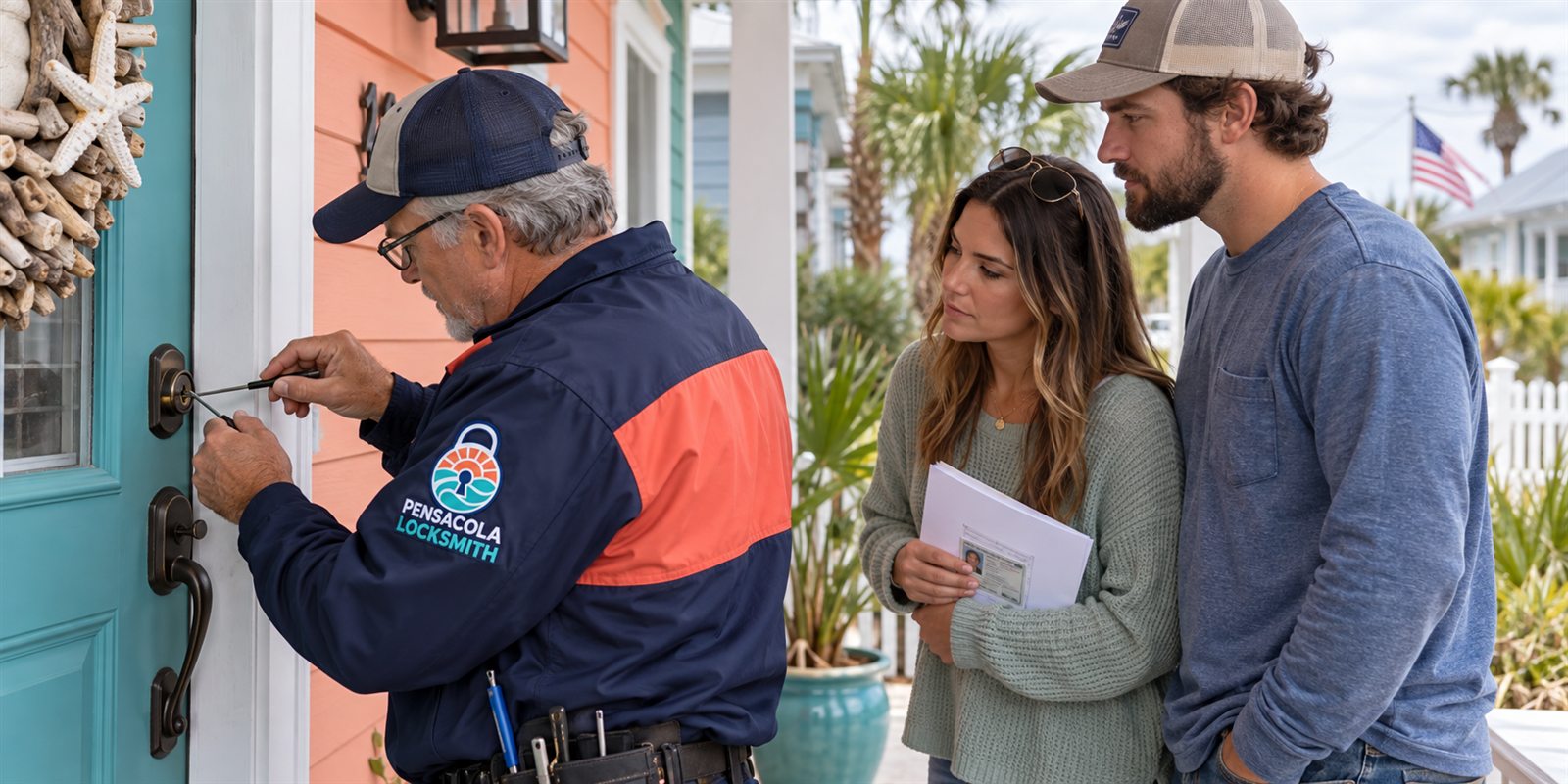
How a technician opens the door without damage
The technician begins by identifying the lock and its design. With that, they know whether there is a hidden keyway, external contacts or neither. Many smart locks are built on a standard deadbolt body, and the bolt can be worked with the tools and methods used for any deadbolt.
If a bypass is possible, the technician uses a thin tool to reach the mechanism and move the bolt, or manipulates the lock through its keyway if one exists. This is quiet, controlled work, and it leaves the door and the lock intact. The goal is to get you in and then restore normal operation.
Once the door is open, the technician replaces the batteries, tests the lock several times, and checks the door fit. A struggling motor can drain batteries quickly, so a door that rubs may be the hidden cause of repeated battery failures. Fixing that saves future trouble. If the job is complicated, a technician visits and the service call charge is explained before dispatch.
Choosing batteries and avoiding leaks
Use the battery type the manufacturer recommends, and avoid mixing brands or ages. Mixed cells drain unevenly, and a weak cell can pull down the others. Fresh alkaline batteries are common, though some locks work better with lithium cells, which handle temperature swings well. Check your manual or the label inside the battery cover.
Rechargeable batteries are tempting, but their voltage can differ from what the lock expects. Some locks give wrong battery readings or fail early with them. If you want to use them, check that the manufacturer allows it. When in doubt, stay with the recommended type.
Leaks are a real risk, especially in humid climates. A battery that sits too long can leak corrosive material that damages the contacts and circuit board. Remove dead batteries promptly, clean any residue with a dry cloth, and never leave spent cells in the lock. If you see crust on the contacts, a technician can help clean them safely.
Gulf Coast heat, humidity and battery life
Heat shortens battery life, and a door that faces the afternoon sun can get hot. A lock that holds up for a year in a shaded entry may need new batteries sooner on a sunny porch. Humidity speeds corrosion at the contacts, and salt air makes it worse near the water.
In hurricane season, think ahead. Before a storm, check the batteries and carry spares. If you evacuate, make sure the lock has fresh cells and that someone who can enter the house has the backup method. Power outages do not affect a battery-powered lock directly, but a hub-connected system may lose features.
After a storm, test the lock. Water intrusion, power surges and heat can all affect it. If anything seems off, replace the batteries first, then check the contacts. A lock that behaves oddly after a storm should be looked at before the next one arrives.
Building a battery routine
A routine beats memory. Pick two dates a year, perhaps when you change smoke detector batteries, and replace the lock batteries then. Write the date on a small label inside the battery cover so you can see how old they are. A phone reminder works well too.
Buy batteries in advance and keep them where you will find them. Keep a nine-volt battery for emergency access separate from the replacement set. Teach everyone in the household where the spares are and how to use the backup. A lock that only one person understands is a problem waiting for the day that person is away.
For rentals, add the lock to your turnover checklist. A quick battery check between guests takes seconds and prevents a stranded visitor. For businesses, include smart locks in your regular maintenance rounds. Small habits keep the technology reliable and the door open when it should be.
Rentals, guests and ownership questions
Smart locks are common in vacation rentals around Pensacola, where guests arrive from out of town and expect the code to work. A dead battery at check-in is a poor welcome. Owners who are away need a local contact with the backup key or battery, and clear instructions for guests.
If you manage a rental, tell guests what to do if the lock does not respond, but do not hand out the backup key lightly. A spare key given to every guest is a security risk. A local contact or a key safe that you can control is better. If a lock must be opened by a technician, we check ownership or authority first.
That check is for everyone's protection. We may ask for a lease, a deed, a utility bill or confirmation from the owner. Quotes are given by phone, and please call to confirm availability. Describe the lock, say whether you have the hidden key or the external contacts, and we will plan the visit with you.
After you are back inside: first checks
Once the door is open, resist the urge to simply drop in new batteries and walk away. Take a minute to look at the old ones. If they are swollen, crusty or leaking, clean the compartment gently with a dry cloth. Check the metal contacts for corrosion, and make sure the springs still press firmly on the cells.
Install the new batteries in the correct direction, close the cover, and operate the lock several times from the keypad, with the door open. Listen to the motor. A smooth, steady sound is a good sign. A groan, a stall or a very slow motion means the door or the mechanism is placing extra load on it.
Then close the door and test again, from both inside and outside. If the lock works with the door open and struggles with it closed, the bolt is rubbing the strike, and that friction will drain your new batteries faster than expected. Mention it to the technician or adjust the strike so the bolt slides in without effort.
Keeping your codes and settings safe through a power loss
Most smart locks store user codes in memory that survives a battery change, but not all do, and a few lose their clock or schedule settings when power is cut. After changing batteries, check that your codes still work, that the date and time are correct if the lock uses them, and that any guest schedules are still active.
If the lock needs to reconnect to your app or hub, give it a moment, and then check the status. Some locks reconnect on their own, and others ask you to pair again. Have the app and your account ready before you begin, so you are not hunting for a forgotten password while standing at the door.
Write down your master code and keep it in a safe place away from the door. If you rely on codes for family members, cleaners or guests, confirm each one works after a battery change. A short test now is easier than an awkward message from someone standing outside later, and it keeps your access list accurate.
Common questions
Can I still get in if my smart lock battery died?
Usually yes. Many locks have external contacts where a nine-volt battery gives enough power for one unlock, or a hidden key cylinder under a cover. Check which your lock has. If neither works, a technician can open the door after confirming you own or have authority over the property.
Will the door be locked or unlocked when the battery dies?
It stays in whatever position it was in. If locked, it remains locked. If unlocked, it remains unlocked, which matters for security. Replace the batteries promptly after regaining access and test the lock.
How often should I change smart lock batteries?
It depends on the model and use. Many owners change them on a fixed schedule, such as twice a year, rather than waiting for the warning. Heat, humidity and heavy use shorten life. Follow the manufacturer's guidance and keep spares near the door.
Could a dead battery have damaged my lock?
Not by itself. A drained battery only stops the lock from operating. Leaking batteries can corrode contacts, so remove spent cells promptly. If the lock struggles repeatedly, a binding door may be draining the batteries and should be checked.
How do I get a quote and confirm availability?
Call us and describe the lock and the situation. Quotes are given by phone. If the job is complicated, a technician visits and the service call charge is explained before dispatch. Please call to confirm availability.